Missed Alarm Clock, Rainy Mornings, and Lunchtime 360s

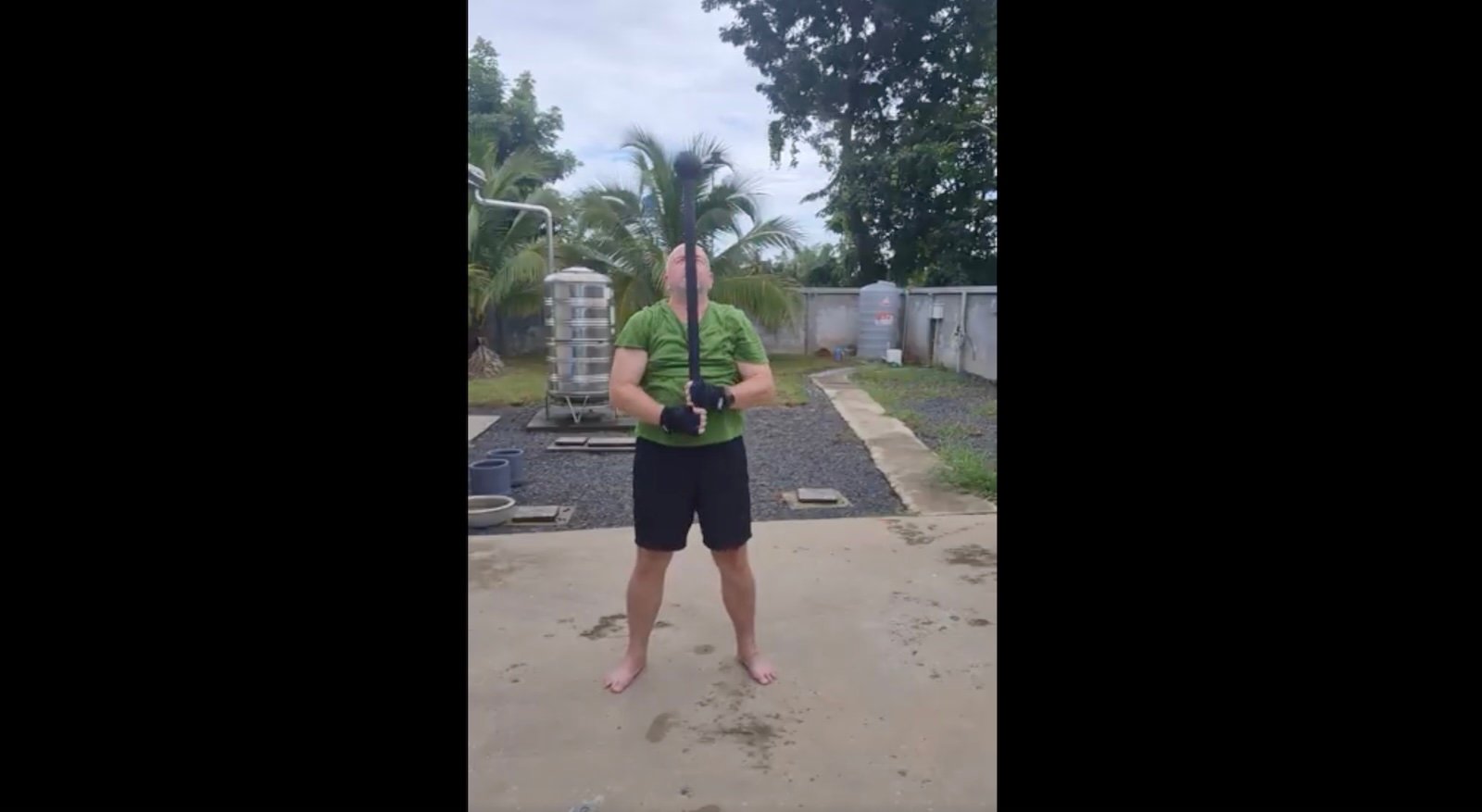
No early session after a missed alarm and a night of heavy rain, but 10 minutes of 6 kg steel mace 360s, plus some afternoon walking, made for a good day.
Crappy Day Yesterday, But Better Today
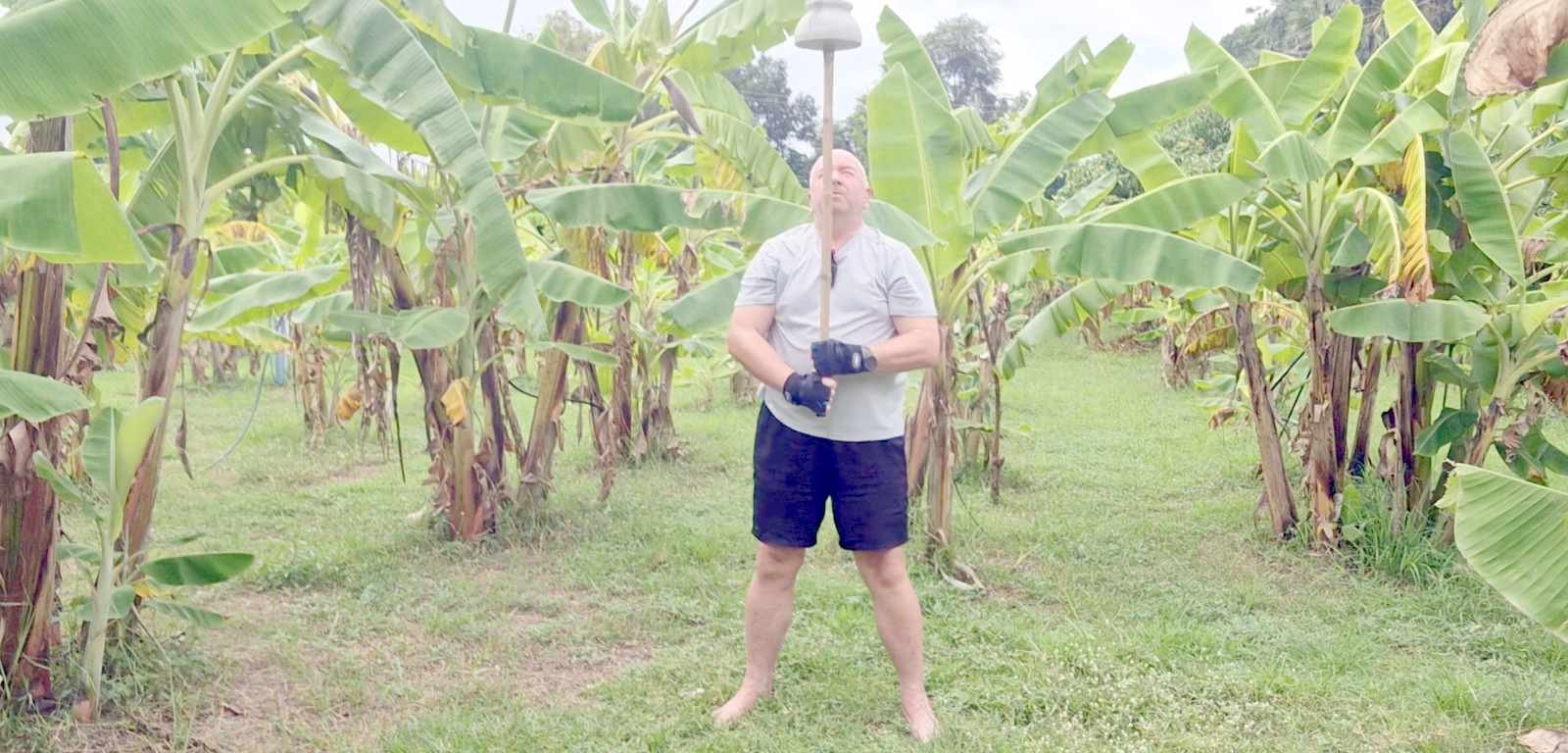
After a rough day, a good Garmin Body Battery score and a short gada session got things moving again. Then it was time to upgrade the heavy bag, with a little unexpected drama.
Rope Flow, 6 kg Mace, and Heavy Bag
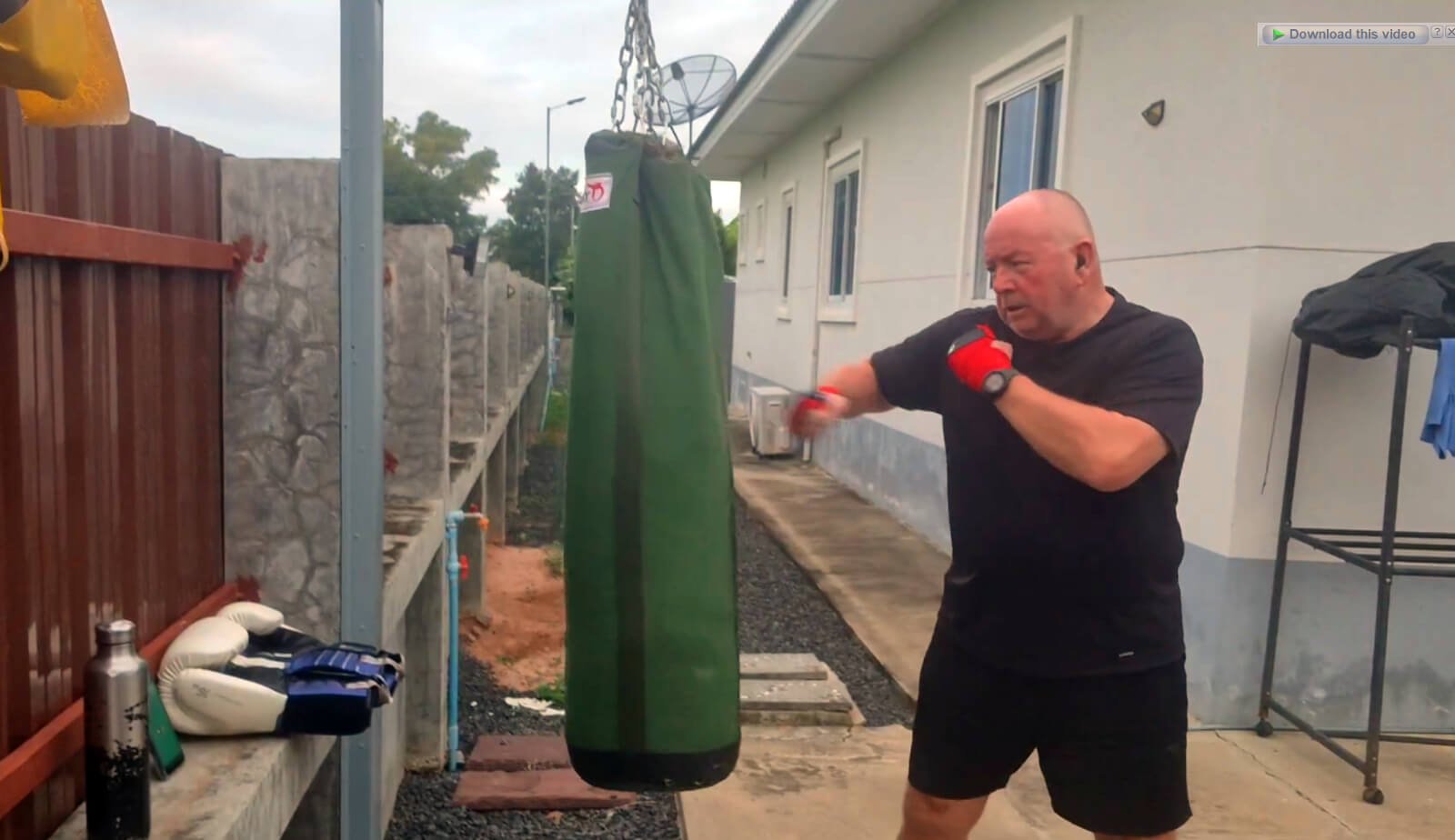
A bright and early Saturday session with rope flow, 10 minutes of 6 kg mace 360s at 50 BPM, and three rounds on the heavy bag. Then coffee!
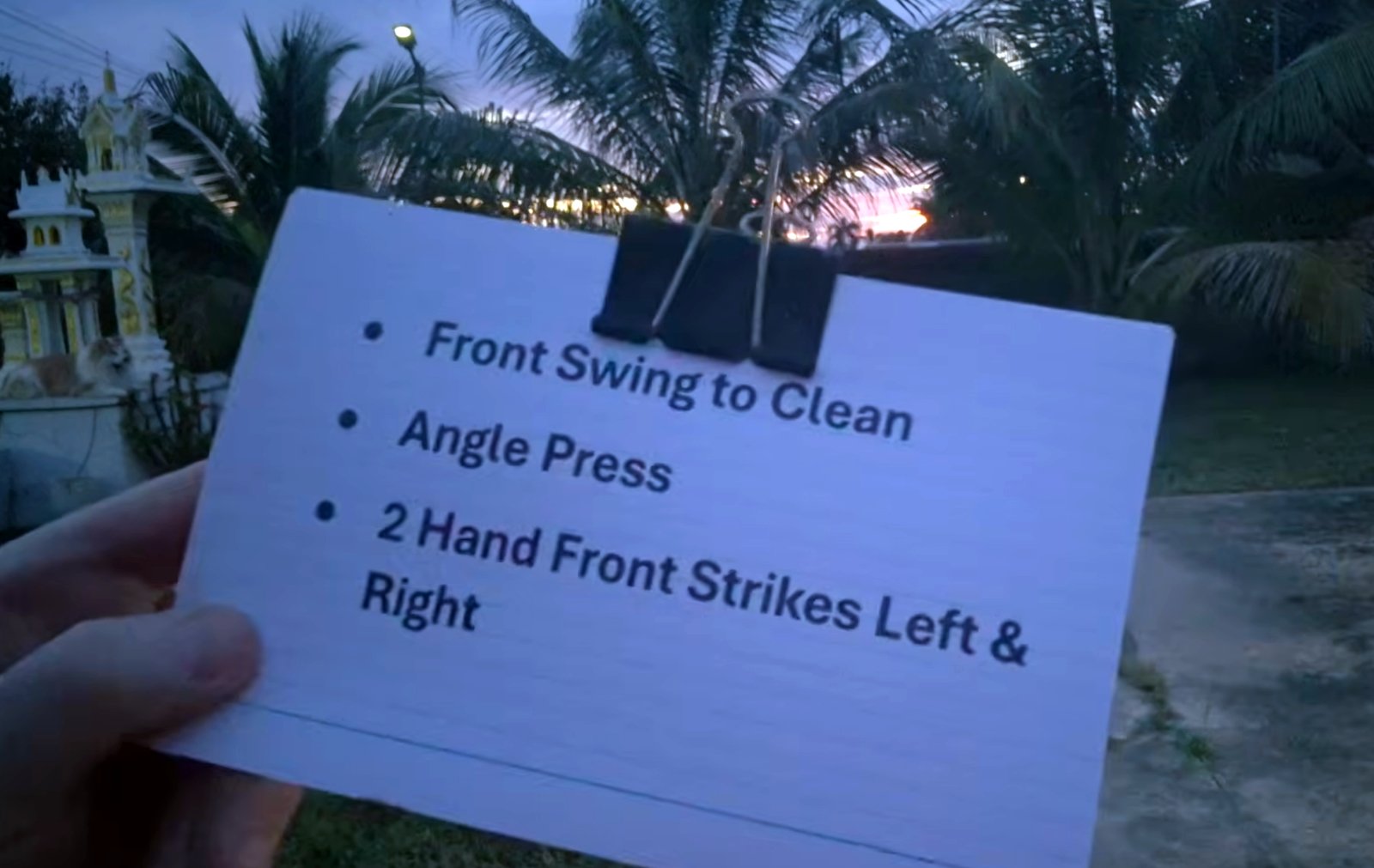
Rope Flow, Steel Clubs, and Bulgarian Bag Zercher Box Squats
An early start with rope flow, steel club work, and 3 sets of 10 Bulgarian Bag Zercher box squats with a 25 kg bag. Those definitely hit the spot!
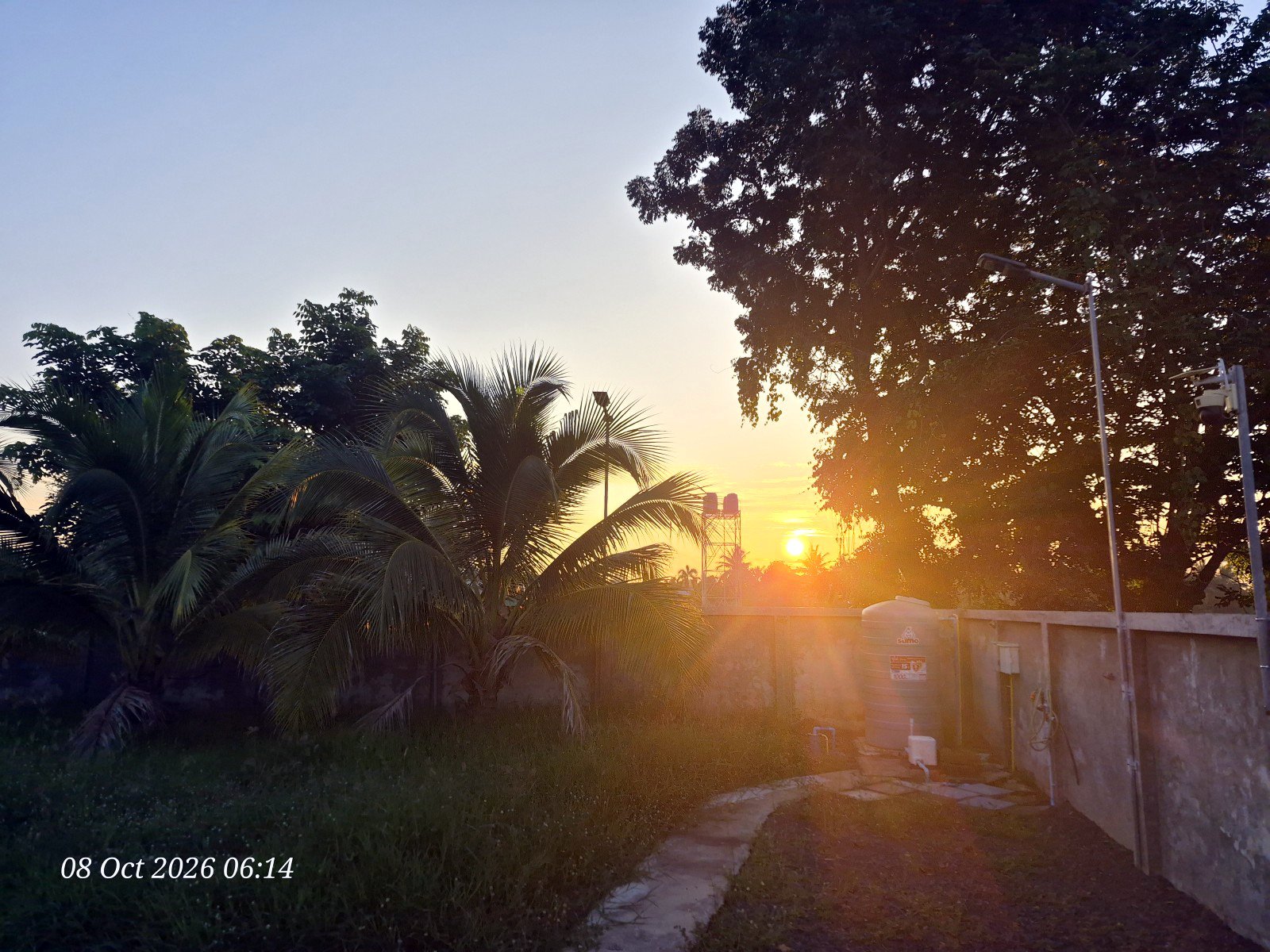
Only 4 Strict Presses Today…
I couldn't match my personal best on the right side today, but I'm still stronger than I was a month ago, with 4 strict presses at 20 kg.
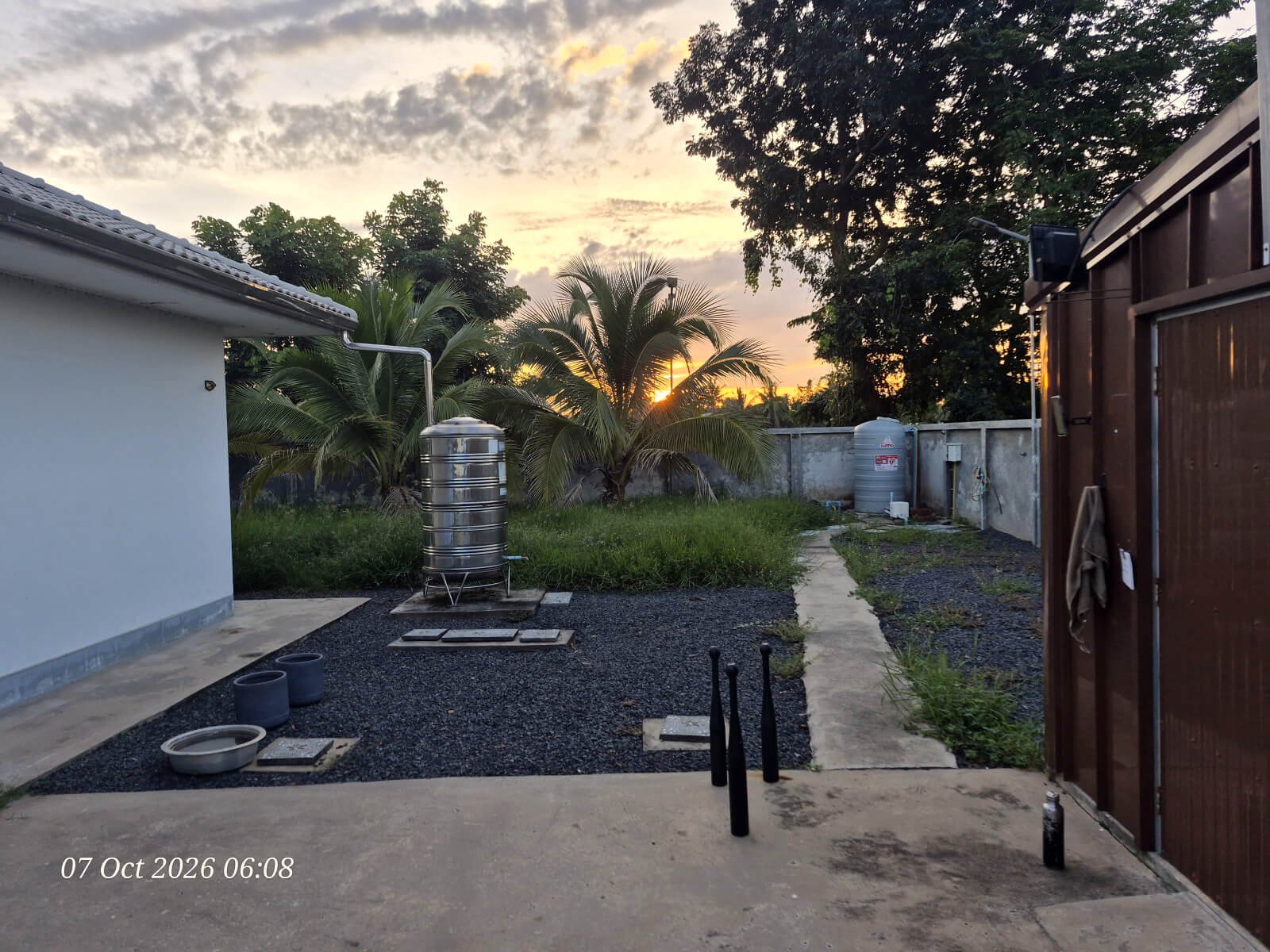
Back to Rope Flow, Steel Clubs, and Snatches
After a few days away from training, I’m back with rope flow, steel clubs, a new Roman Chair, and 100 snatches with a 12 kg kettlebell.
Aborted Session Today
I thought I'd get some kettlebell swings in after my rope flow, but five sets in, nature called and the session was over.
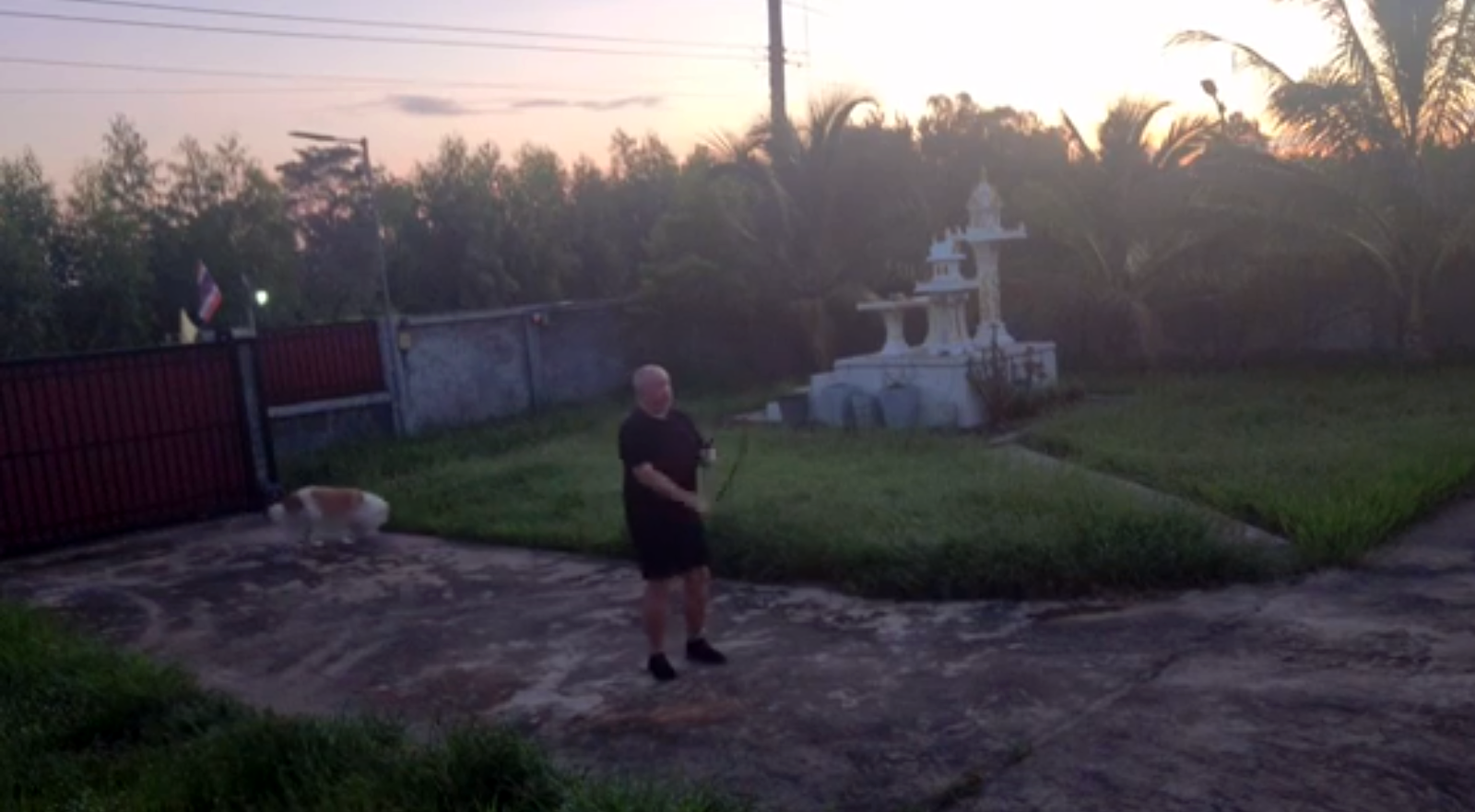
A Difficult One Today…
I had ambitious plans for a 30-minute leg day, but it didn't turn out as planned (and lots of room for improvement).
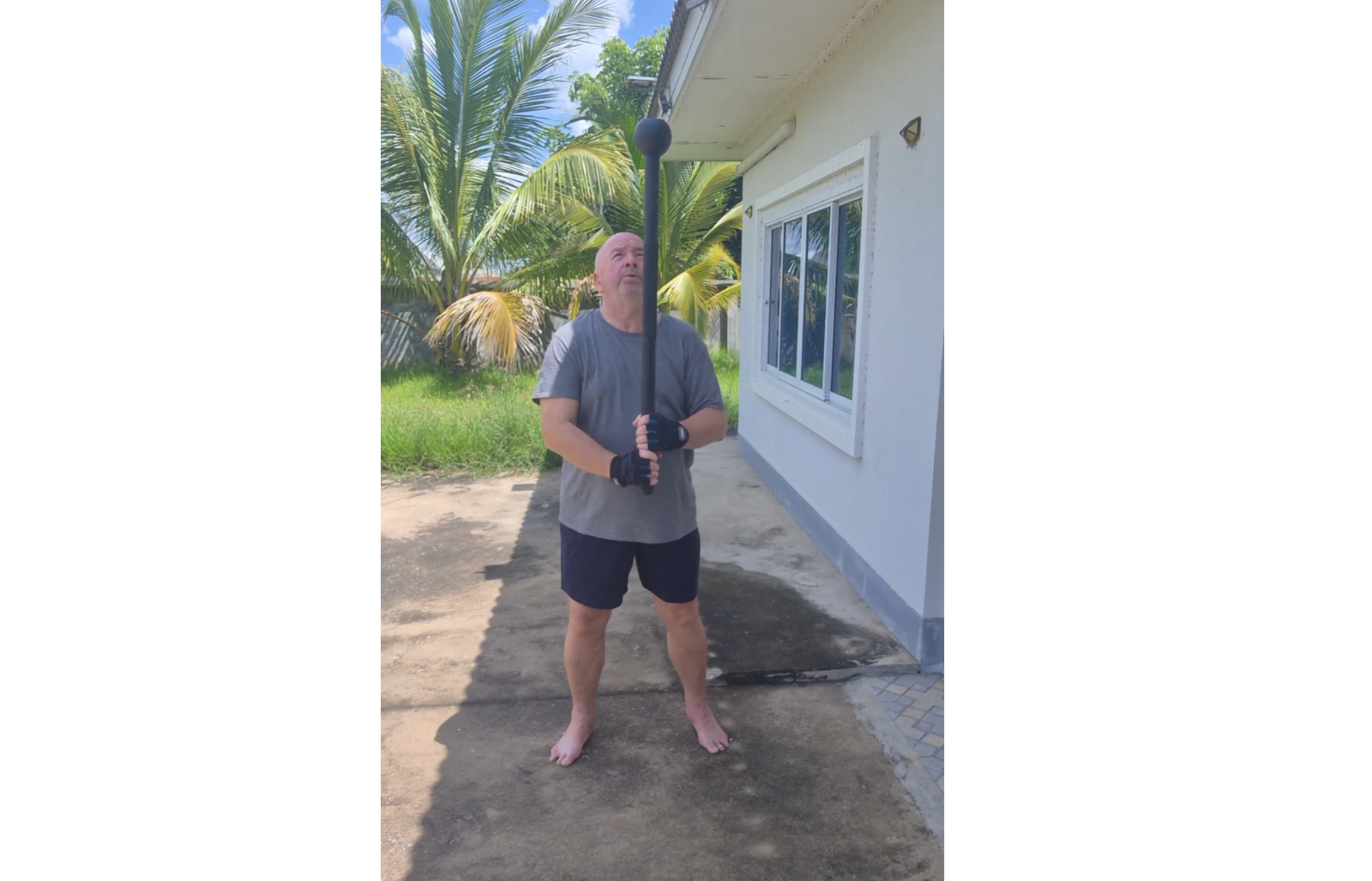
Rest Day (But the Mace was A-Calling…)
Moving after meals has become part of my routine, and today the steel mace got the nod, with 100 360s using the 6 kg mace.
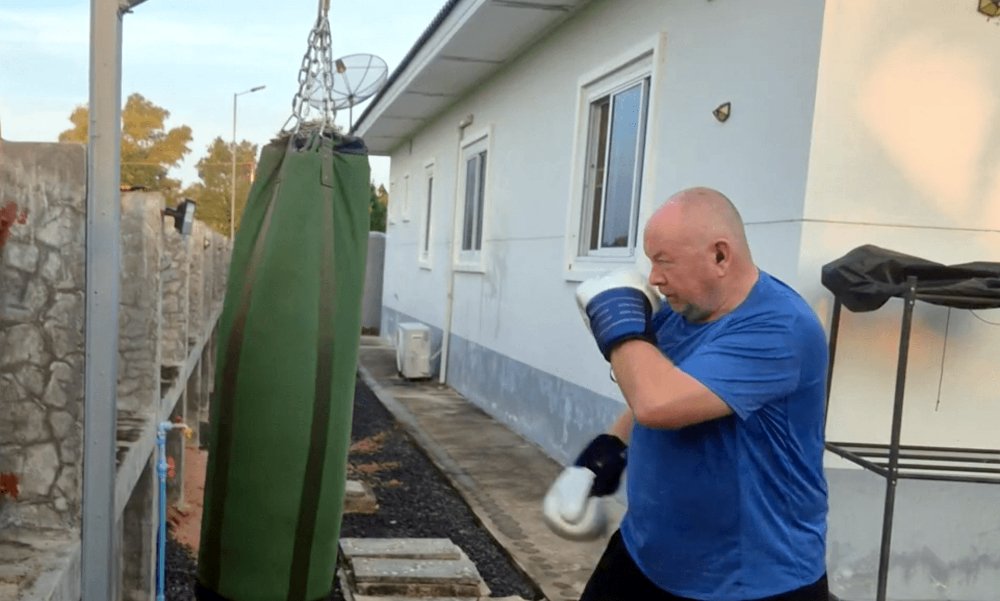
A Solid Session Today – Rope, Steel Clubs, Heavy Bag, and a Gada
A good session with steel clubs, the heavy bag, 5 kg gada 360s, and an unsuccessful first attempt at a 12 kg mace 360.